

AI4EC-Lab Token Plan
The Token Plan provides group members with LLM service accounts and usage credits for research, learning, and project development. This page covers account access and connection settings. Installation and configuration instructions are available in our AI Coding Tools guide.
- LLM service portal
- External-user account application / 外部用户账号申请
- External-user support / 外部用户支持
- Frequently asked questions
Contents
- Overview and account access
- External-user application / 外部用户账号申请
- External-user support / 外部用户支持
- AI coding tools
- Managing configurations
- VS Code extensions
- Frequently asked questions
Overview and account access
The Token Plan gives members access to language models through a shared gateway, with individual accounts and usage budgets.
| Setting | Value |
|---|---|
| Service portal | chenglab.xmu.edu.cn/llm/ |
| Gateway root | https://chenglab.xmu.edu.cn/llm/ |
| OpenAI-compatible API base | https://chenglab.xmu.edu.cn/llm/v1 |
| API key | Your personal key, generated in the service portal |
| Model ID | Copy the exact Model Name from AI Hub in the portal |
The gateway root and API base serve different client settings. Claude Code uses the gateway root; the Codex and OpenCode examples use the OpenAI-compatible API base. Follow the settings for your chosen client in the installation guide.
Group members
Students who attend Cheng Lab’s online onboarding and complete the needs questionnaire receive an activation email with their account email and initial budget. Check that email for the quota and its effective dates. Contact the AI4EC-Lab team if you need additional credits.
External-user application / 外部用户账号申请
External users can request an account through the application form below. Open the form directly or scan the QR code.
外部用户可通过下方申请表申请账号。点击链接或扫描二维码即可填写。
Apply for an external-user account / 申请外部用户账号

External-user support / 外部用户支持
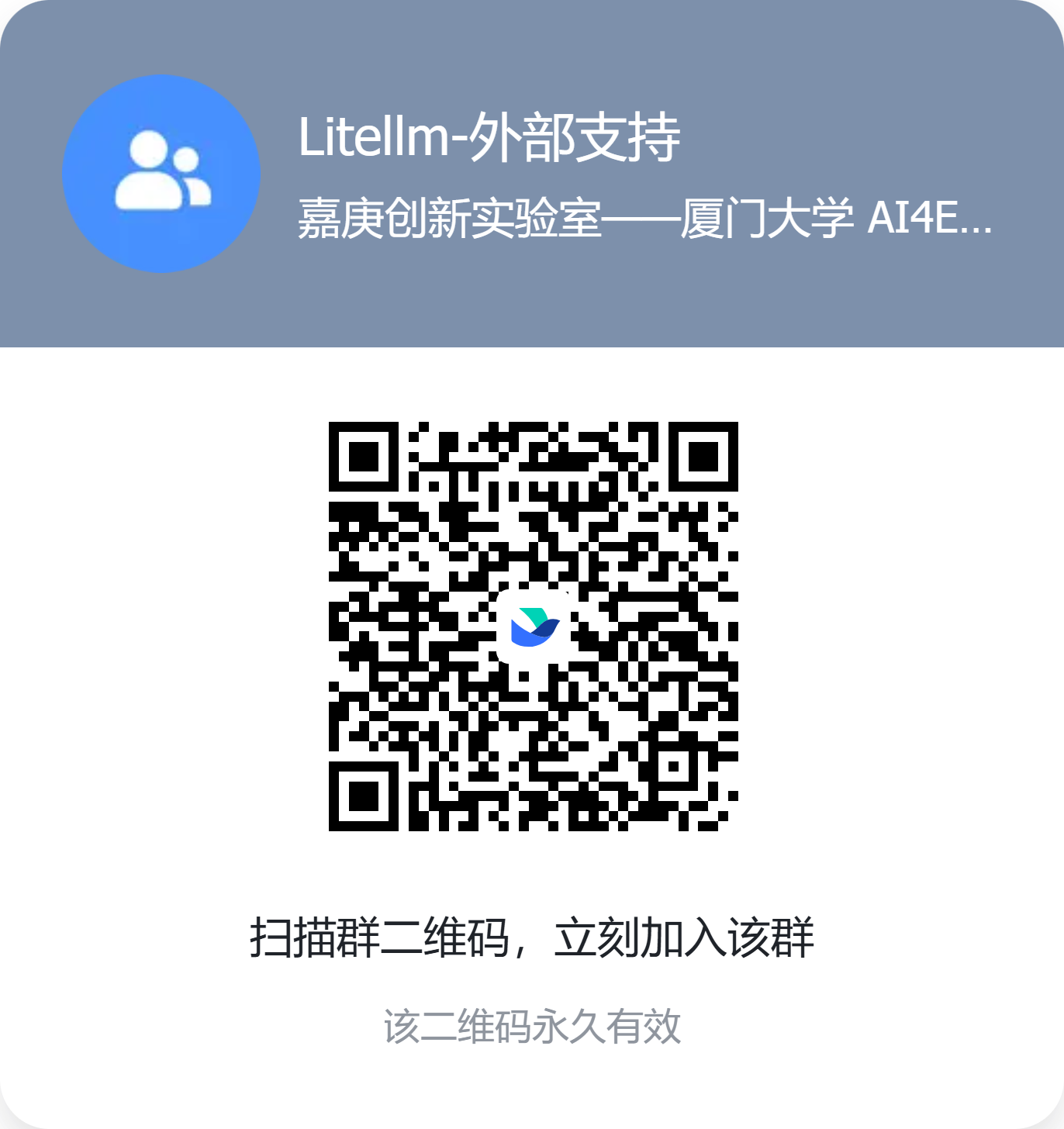
Scan the QR code below in Feishu to join the LiteLLM external support group for help with account access and service usage. Click the image to view the full-size QR code.
使用飞书扫描下方二维码,加入 LiteLLM 外部支持群,咨询账号接入与服务使用问题。点击图片可查看原图。
Using your account
Generate an API key in the portal and keep it private. Credits are intended for academic research, learning, and project development. Do not include keys in shared documents or public repositories. For connection problems, consult the Cheng Group wiki FAQ; for account or budget requests, contact the AI4EC-Lab team.
AI coding tools
Codex is the tool we use most often. Our AI Coding Tools: Installation and Setup page provides installation commands, Token Plan configuration examples, and a first-use check for all three tools.
Codex
Use Codex from your project directory to understand code, make changes, and run local development tools. Start with the Codex installation and gateway setup.
Claude Code
Claude Code remains available for terminal-based coding and automation. See the Claude Code installation and gateway setup.
OpenCode
OpenCode offers a terminal interface with configurable model providers. See the OpenCode installation and gateway setup.
Managing configurations
Keep the gateway URL, credential, and model selection together when switching between providers. If you already use a configuration manager such as cc-switch, save a separate Token Plan configuration and verify the active settings after switching. The installation guide shows each client’s configuration directly.
After changing a configuration, restart the client. Shell environment changes apply to newly launched processes; an editor already running will not automatically receive them.
VS Code extensions
Continue, Cline, and Roo Code can connect to compatible model endpoints from VS Code. Install your chosen extension from the Extensions panel, then open its provider settings and enter:
- The provider protocol supported by the selected model and extension, such as OpenAI-compatible or Anthropic-compatible.
- The matching gateway base URL from the table above.
- Your personal Token Plan API key.
- The exact Model Name shown in the portal’s AI Hub.
Save the settings and send a short test message. If a request fails, check the protocol, URL, and model ID together. Configuration interfaces vary by extension and version; use its current provider settings rather than copying an older configuration file unchanged.